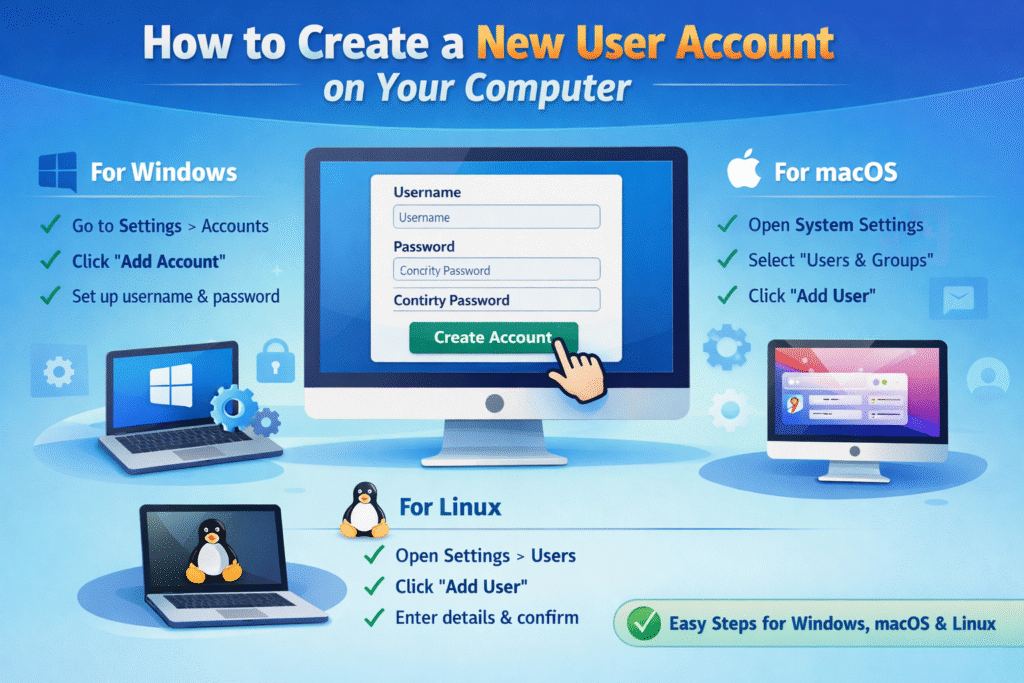
How to create a new user account on a computer Leave a Comment / Blogs, Computer Blogs / By brcinstitute111@gmail.com Creating a new user account is pretty simple. Here’s how to do it on the most common systems: 🖥️ On Windows 10 / Windows 11 Click Start → Settings . Go to Accounts → Family & other users . Click Add account . Choose Add a user without a Microsoft account (or sign in with one if you want). Enter a username, password, and security questions. Click Next — done. 🍎 On macOS Click the Apple menu () → System Settings. Select Users & Groups. Click the Add User (+) button. Enter the user’s details and choose the account type. Click Create User. On Linux (Ubuntu) Open Settings → Users. Unlock settings (enter admin password). Click Add User. Fill in the details and confirm. View Other Related Blogs Subscribe Youtube View Latest Blogs