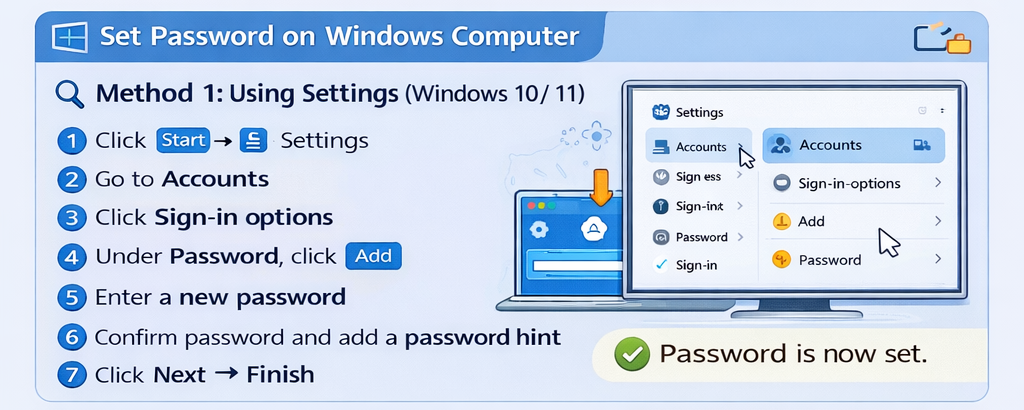
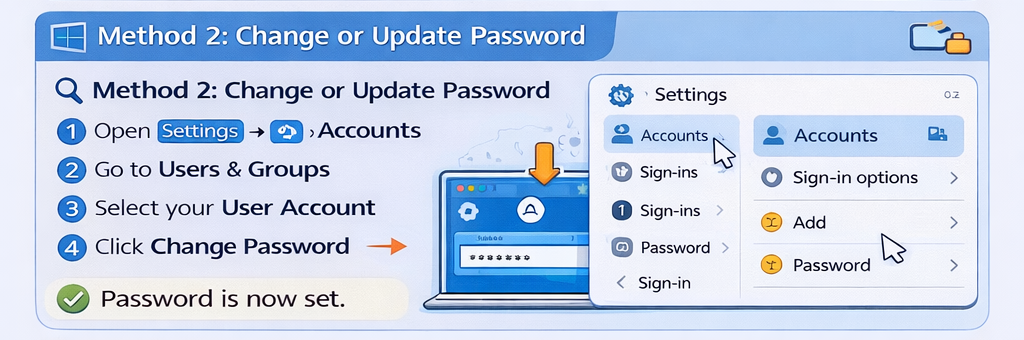
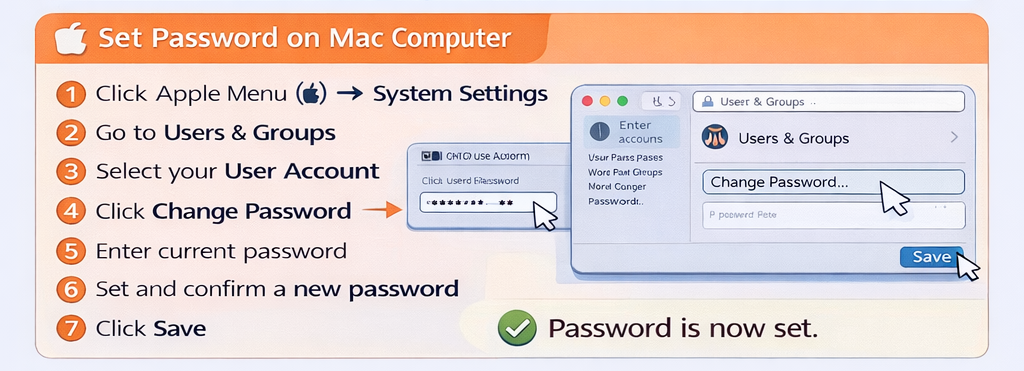
How to set a password on a computer Leave a Comment / Blogs, Computer Blogs / By brcinstitute111@gmail.com Setting a password keeps your computer safe and protects your personal data. 🖥️ On Windows Computer 🔍 Method 1: Using Settings (Windows 10 / 11) Click Start → Settings Go to Accounts Click Sign-in options Under Password, click Add Enter a new password Confirm password and add a password hint Click Next → Finish ✅ Password is now set. 🔍 Method 2: Change or Update Password Open Settings → Accounts Click Sign-in options Under Password, click Change Enter current password → set new password 🍎 Set Password on Mac Computer Click Apple Menu () → System Settings Go to Users & Groups Select your User Account Click Change Password Enter current password Set and confirm a new password Click Save 🔐 Set Password at Startup (Extra Security) Windows: Settings → Accounts → Sign-in options Turn ON Require sign-in Mac: SSystem Settings → Lock Screen Set Require password immediately 💡 Tips for a Strong Password Use 8–12 characters Mix uppercase, lowercase, numbers, symbols Avoid name, date of birth, or “123456” Change password regularly View Other Related Blogs Subscribe Youtube View Latest Blogs