
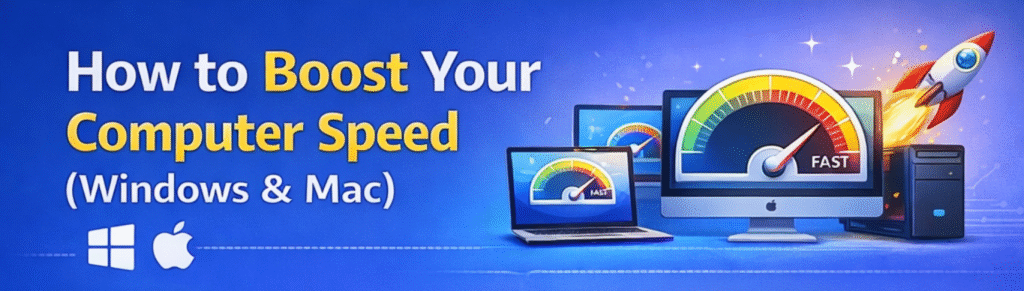
How to Boost Your Computer Speed (Windows & Mac)
Windows OS Speed Up Settings
Setting 1: Restart or Disk CleanUp Your Computer Regularly
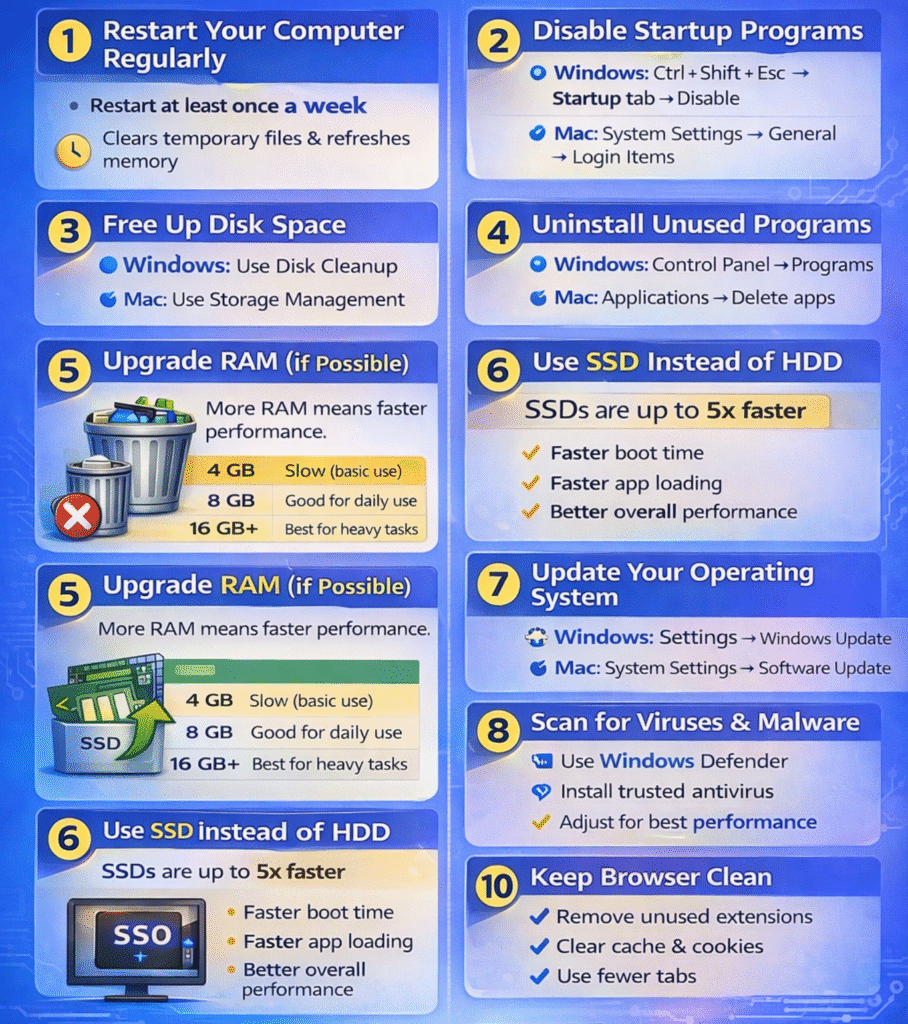
Restarting clears temporary files, refreshes system memory, and stops background processes that slow down performance.
Step 1: Open Disk Cleanup
- Click the Start Menu
- Type Disk Cleanup
- Press Enter
- Choose the drive you want to clean (usually C: Drive)
- Click OK
- Windows will scan the drive and calculate how much space can be freed.
Check the boxes for files you want to remove, such as:
- Temporary files
- Recycle Bin
- Thumbnails
- Downloaded Program Files
- Temporary Internet Files
- Click OK
- Click Delete Files to confirm
Windows will now remove the selected files.
Benefits of Disk Cleanup
Setting 2 : Disable Startup Programs
Too many startup apps can slow down boot time.
On Windows:
- Press Ctrl + Shift + Esc
- Open Startup tab
- Disable unnecessary apps
- Go to System Settings → General
- Click Login Items
- Disable unnecessary apps
Setting 3: Uninstall Unused Programs
Replacing a traditional hard drive with an SSD can make your computer up to 5x faster.
Benefits:
Setting 4: Use SSD Instead of HDD
- Click Apple () → System Settings
- Go to General
- Click About
- View macOS version details
Setting 5: Reduce Visual Effects (Windows)
- Press Windows + R
- Type sysdm.cpl
- Go to Advanced → Performance
- Select Adjust for best performance
Setting 6: Upgrade RAM (If Possible)
Increasing RAM significantly improves multitasking and speed.
| RAM | Performance |
|---|---|
| 4 GB | Slow (basic use) |
| 8 GB | Good for daily use |
| 16 GB+ | Best for heavy tasks |
Setting 7: Scan for Viruses & Malware
Setting 8: Keep Browser Clean
Conclusion
Boosting your computer speed doesn’t always require buying a new device. By cleaning up storage, managing startup apps, updating software, and upgrading hardware like RAM or SSD, you can significantly improve performance.
Your positivity and optimism are contagious It’s impossible to read your blog without feeling uplifted and inspired Keep up the amazing work
I appreciate how well-researched and detailed your posts are It’s evident that you put a lot of time and effort into providing valuable information to your readers